RapidMiner is a data science software platform developed by the company of the same name that provides an integrated environment for data preparation, machine learning, deep learning, text mining, and predictive analytics. It is used for b…
About the RapidMiner Training program.
Trusted by professionals across 30+ countries.
Certified consultants with 12+ years of real project experience.
Real-time scenarios & live project modules, not just slides.
Resume building, mock interviews & job referrals.
BISP certificate + full guidance for official exams.
Designed by real-time industry professionals around current job roles.
Download curriculum (PDF)RapidMiner is a data science software platform developed by the company of the same name that provides an integrated environment for data preparation, machine learning, deep learning, text mining, and predictive analytics. It is used for business and commercial applications as well as for research, education, training, rapid prototyping, and application development and supports all steps of the machine learning process including data preparation, results visualization, model validation and optimization.
In 2019, Gartner placed RapidMiner in the leader quadrant of its Magic Quadrant for Data Science & Machine Learning Platforms for the sixth year in a row. The report noted that RapidMiner provides deep and broad modeling capabilities for automated end-to-end model development. In the 2018 annual software poll, KDnuggets readers voted RapidMiner as one of the most popular data analytics software with the poll’s respondents citing the software package as the tool they use.
RapidMiner has received millions of total downloads and has over 400,000 users including BMW, Intel, Cisco, GE, and Samsung as paying customers. RapidMiner claims to be the market leader in the software for data science platforms against competitors such as SAS and IBM.
Learn how to visualize results in RapidMiner Studio to help you in finding outliers and get interesting stats with data analytics.
Who it is for, what you need, and how it is delivered.
Data scientist, BI Professionals
There is no such prerequsite to learn RapidMiner. This is basicaly a toll used by the data scientist's who don't have programing knowledge.
We are using an experiential delivering methodology that blends theoretical concepts with hands-on practical learning to ensure a holistic understanding of the subject or course.
Live Interactive classes with expert
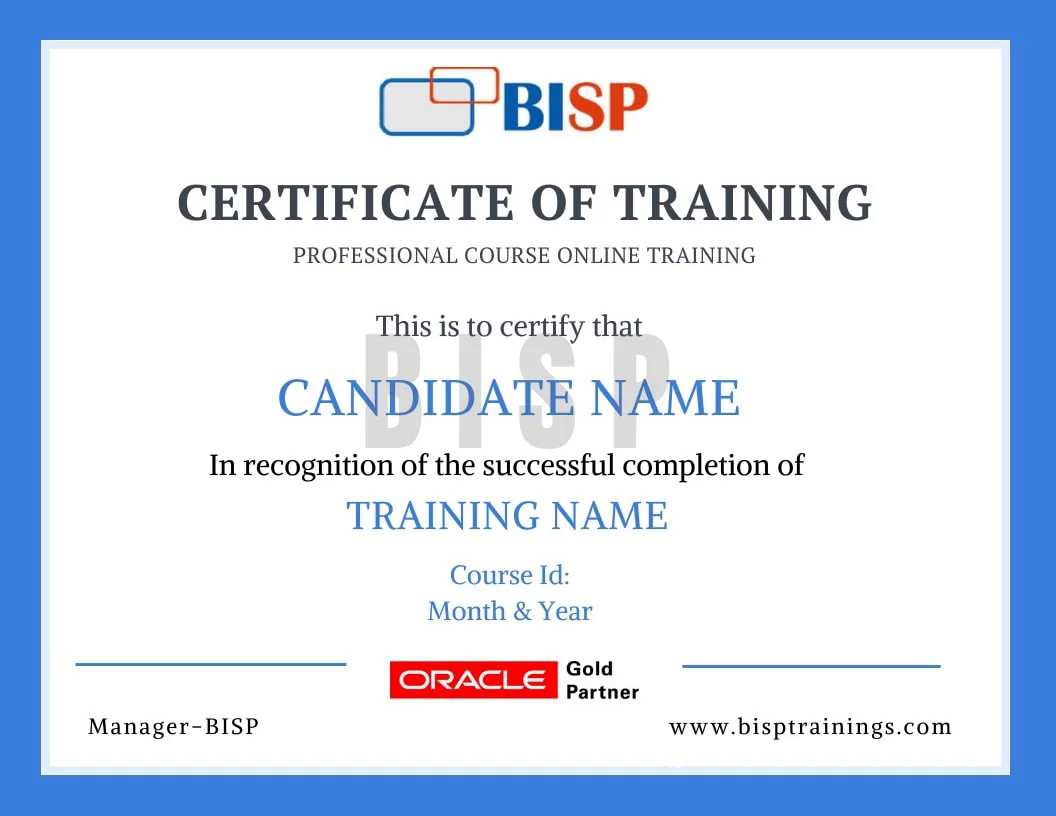
Earn an industry-recognised BISP Trainings certificate when you finish the course.
Everything you need before you enroll.
Yes. You may attend a demo class before enrollment for training quality evaluation, and interact one-to-one with the trainer for any specific requirement.
Yes. We discuss it with the trainer and schedule the training at a convenient time for you.
You get the recorded session. You may also retake the whole training multiple times within a 6-month period with the same trainer.
Yes. The curriculum includes real-time scenarios and live project modules, with the trainer explaining every topic end-to-end.
Enroll securely via the payment gateway on this page using card, UPI or net-banking. EMI options are available.
Call us at +91 769-409-5404 & +1 678-701-4914, or write to support@bisptrainings.com.
Free BI and Data Visualization resources to explore.
Learners who took this also explored these.
Book a free 1-on-1 counselling call and get a personalised learning roadmap.
 BISP
BISP Call Us: +91 769-409-5404