In this new course, students will learn about the new and enhanced features and options of Oracle Database 12c. Expert instructors will teach you how these features and options increase security, manageability, and performance. In this cou…
4.8 · Rated by learners Certificate of completion
Duration
30 Hours
Mode
Live + Recorded
Level
Beginner → Pro
Language
English / Hindi
AI practice, included with this course
Rehearse the interview and test yourself before the real thing.
Available in your student dashboard as soon as you enrol —
no extra charge, nothing to install.
Course overview
About the Oracle 12c DBA program.
In this new course, students will learn about the new and enhanced features and options of Oracle Database 12c. Expert instructors will teach you how these features and options increase security, manageability, and performance. In this course, you will be introduced to the Oracle Database Cloud Service.
It will train DBA’s how Oracle12c Optimize database workloads, lower IT costs and deliver a higher quality of service by enabling consolidation onto database clouds.
Why learn with BISP
Trusted by professionals across 30+ countries.
Industry trainers
Certified consultants with 12+ years of real project experience.
Hands-on practice
Real-time scenarios & live project modules, not just slides.
Placement support
Resume building, mock interviews & job referrals.
Certification
BISP certificate + full guidance for official exams.
Course curriculum
Designed by real-time industry professionals around current job roles.
05Configuring the Oracle Network Environment3 topics
Use Enterprise Manager to create and configure the Listener
Use testing to test Oracle Net connectivity
Identify when to use shared servers and when to use dedicated servers
06Managing Data Concurrency3 topics
Data ConcurrencyEnqueue Mechanism
Resolving Lock Conflicts
Deadlocks
07Managing Tablespaces, Common and Local Users, Privileges, and Roles5 topics
Create permanent tablespaces in the root and PDBs
Roles and Privileges (dba_sys_privs and dba_tab_privs)
Manage common and local schemas and users in the root and PDBs
Manage system and object privileges to common and local grantees granted
Manage common and local roles granted commonly or locally
08Backup & Recovery in Multitenant Databases11 topics
Backups
Recovery
Handling redo log failures
Control File recovery
Recovery use cases
Point In Time Recovery
Using the RMAN Recovery Catalog
Tracking and Storing Backup Information
Setting up a Recovery Catalog
Backup and Recovery Reporting
Restoring from Autobackup: Server Parameter File and Control File
09Moving Data4 topics
Describe ways to move data
Create and use directory objects
The general architecture of Oracle Data Pump
Use Data Pump export and import to move data
10Using Flashback Technology7 topics
Flashback Technology: Overview and Setup
Using Flashback Technology to Query Data
Flashback Table
Flashback Transaction Query
Flashback Drop and the Recycle Bin
Configuring Flashback Database
Performing Flashback Database Operations
11Performance Tuning9 topics
Tuning Basics
Wait for Events, Class, and Statistics
System Statistics Dictionary Views
Invalid and Unusable Objects
Index Scans and Type of Index Scans
Parallelism and parallel_degree_policy
Statistics and Histograms
Cursor Sharing and Bing Peeking
AWR and ADDM reports
Course details
Who it is for, what you need, and how it is delivered.
Who should learn Oracle 12c DBA?
• Database Administrator worked on 9i/10g or 11g • Systems Administrator • Oracle Certified Associates or Oracle Certified Professionals (OCA or OCP)
Prerequisites
Basic knowledge of database.
Delivery methodology
We are using an experiential delivering methodology that blends theoretical concepts with hands-on practical learning to ensure a holistic understanding of the subject or course.
Class delivery
Live Interactive classes with expert
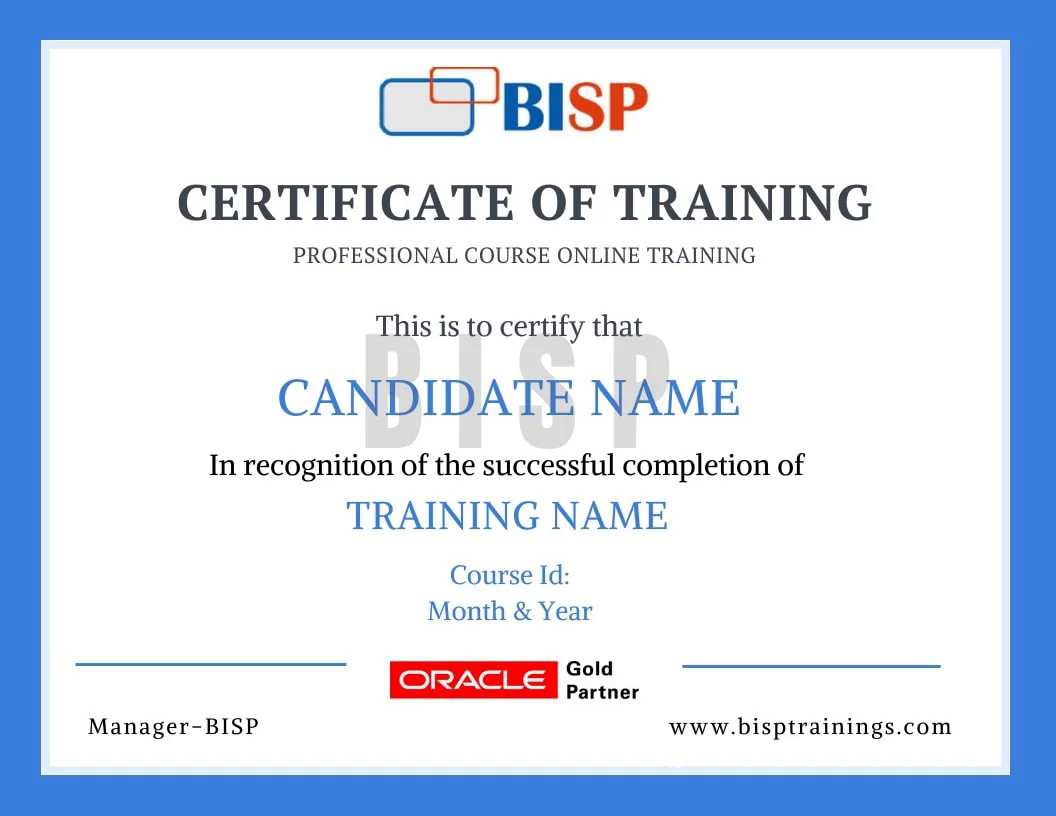
Certificate of completion
Earn an industry-recognised BISP Trainings certificate when you finish the course.
Verifiable certificate with a unique ID
Shareable on LinkedIn & your resume
Recognised by our hiring partners
Frequently asked questions
Everything you need before you enroll.
Can I attend a demo session before enrollment?
Yes. You may attend a demo class before enrollment for training quality evaluation, and interact one-to-one with the trainer for any specific requirement.
Can you schedule training as per my availability?
Yes. We discuss it with the trainer and schedule the training at a convenient time for you.
What if I miss a class?
You get the recorded session. You may also retake the whole training multiple times within a 6-month period with the same trainer.
Is there live project training?
Yes. The curriculum includes real-time scenarios and live project modules, with the trainer explaining every topic end-to-end.
How can I pay for the course?
Enroll securely via the payment gateway on this page using card, UPI or net-banking. EMI options are available.
More queries?
Call us at +91 769-409-5404, or write to support@bisptrainings.com.
 +91 769-409-5404