Live online batches across IST, EST & GST — learners in 189+ countries
Home Courses Microsoft MS Dynamics CRM Technical
Microsoft

MS Dynamics CRM Technical

Microsoft Dynamics CRM is a customer relationship management software package developed by Microsoft. Out of the box, the product focuses mainly on Sales, Marketing, and Service (help desk) sectors. Designed for server client application,…

4.8  ·  Rated by learners Certificate of completion
Duration
30 Hours
Mode
Live + Recorded
Level
Beginner → Pro
Language
English / Hindi

Course overview

About the MS Dynamics CRM Technical program.

Microsoft Dynamics CRM is a customer relationship management software package developed by Microsoft. Out of the box, the product focuses mainly on Sales, Marketing, and Service (help desk) sectors. Designed for server client application, this package supports web service interfaces extensively. For a sales professional or a business manager, it is quite precious to get a trained with Microsoft Dynamics CRM training.

Why learn with BISP

Trusted by professionals across 30+ countries.

Industry trainers

Certified consultants with 12+ years of real project experience.

Hands-on practice

Real-time scenarios & live project modules, not just slides.

Placement support

Resume building, mock interviews & job referrals.

Certification

BISP certificate + full guidance for official exams.

Course curriculum

Designed by real-time industry professionals around current job roles.

Download curriculum (PDF)

MS Dynamics CRM Technical Online Training Curriculum


Microsoft Dynamics CRM Concepts

  • Microsoft Dynamics CRM functionality
  • Microsoft Dynamics CRM clients
  • Microsoft Dynamics CRM records
  • Application navigation

Introduction to Customizing Microsoft Dynamics CRM 2016

  • Customer records
  • Addresses
  • Personal options
  • Customization or Development
  • Introduction or Entity Customization

Lab: Create a Solution and publisher

Building a Security Model in Microsoft Dynamics CRM 2016

  • Introduction to Business Units
  • Overview of Security Roles
  • User Management Overview
  • Team Management Overview, Teams and Sharing
  • Manage Security Roles for Users and Teams

Lab: Configure Security Roles
Lab: Configure User Access

Customizing Entities

  • Entity Customization Concepts
  • Create a Custom Entity
  • Additional Entity Properties
  • Modifying the Configuration of an Entity

Lab: Create Custom Entities
Lab: Create a Custom Activity Entity
 
Customizing Fields

  • Field Data Types
  • Field Display Formats
  • Field Properties
  • Customize Existing Fields
  • Configure Option Sets
  • Status and Status Reason Fields
  • Delete Fields

Lab: Create and Modify a Global Option Set
 
Introduction to Sales Management

  • Customer Scenarios
  • Basic Record Types

Lead Management

  • Lead to Opportunity Process Form and Process Ribbon
  • Convert Activity Records to Leads
  • Qualifying and Disqualifying Leads
  • Create, Maintain, and Use Sales Literature
  • Create, Maintain, and Use Competitors

Lab: Create and Disqualify a Lead

Working with Opportunity Records

  • Create Opportunities and Work with Opportunity Form
  • Changing Opportunity Status

Lab:

  • Managing Sales Opportunities
  • Create, work with, close, and reopen Opportunity records
  • Describe the different statuses of an opportunity
  • Use the assign functionality in Microsoft Dynamics to assign opportunities to other users
  • Manage opportunities from system views

Working with the Product Catalog

  • The Microsoft Dynamics CRM Product Catalog
  • Unit Groups
  • Adding and Maintaining Products
  • Creating, Maintaining and Using Price Lists
  • Currency Management
  • Creating a Price List

Lab:

  • Managing the Product Catalog
  • Create Currency
  • Create a Unit Group associated with the Currency
  • Create a Product
  • Create a Price List and Price List Item Tied to the Currency

Sales Order Processing

  • Adding Line Items (Opportunity Products) to Opportunities
  • Quote Management
  • Working with Orders
  • Working with Invoices

Lab: Sales Order Process

Metrics and Goals

  • Configuring Goal Metrics
  • Configuring Fiscal Periods
  • Creating and Assigning Goal Records
  • Creating and Recalculating Parent and Child Goal Records
  • Creating a Roll-up Query

Lab:

  • Goal Management for Individuals
  • Implement a Goal Metric

Managing Relationships

  • Types of Entity Relationships
  • Create Entity Relationships1: N
  • Relationship Behaviour
  • Field Mappings in 1: N Relationships
  • Connections and Connection Roles

Lab: Create New Relationships Lab

  • Customize Relationship Mappings

Customizing Forms

  • Form Customization Overview
  • Create and Modify Forms
  • Quick Create and Quick View Forms
  • Manage Multiple Forms and Mobile Clients

Lab: Modify Form Layout and Add Fields Lab

  • Create a Role-Based Form for the Competitor entity.

Customizing Views

  • View Customization Concepts
  • System Views
  • Create Custom Views
  • Remove Unwanted Views

Lab: Modify a Quick Find View
Lab: Create Custom Views

Configuring Business Rules

  • Configure Business Rules

Lab: Create a Business Rule

Service Scheduling

  • Service Scheduling Scenarios
  • Service Scheduling Terminology
  • Service Scheduling Process
  • Resources, Services and Selection Rules
  • Include Customer Preferences
  • Understand Sites and Same-Site Requirements
  • Manage Business Closures
  • Explain the Service Activity Scheduling Engine
  • Working with Service Activities and the Service Calendar
  • Close, Cancel, or Reschedule a Service Activity

Lab:

  • Schedule a Service by Using a Same-Site Requirement
  • Create a Service Activity based on a Same-Site Requirement Service

Sales Analysis

  • Running Built-in Reports
  • Exporting Sales Information to Excel
  • Working with Charts and Dashboards
  • Working with System Charts from the Opportunity List
  • Working with Dashboards
  • Create a New Dashboard in the Workplace
  • Sharing DASHBOARDS, Charts and Advanced Find Queries

Lab:

  • Create a New Personal, Sales Dashboard
  • Create an advanced find query
  • Create a chart
  • Create a dashboard, and add the advanced find query and chart to it
  • Share the dashboard

Additional Security Options

  • Field Security
  • Access Team Templates
  • Auditing Overview

Lab: Configure Field Security
Lab: Create and Configure an Access Team Template

Implementing Business Processes

  • Overview of Work-flow
  • Overview of Dialogues
  • Setting up Custom Work-flow Activity Assemblies
  • Demonstration: Configuring a Custom Work-flow Activity
  • Creating Custom Work-flow Activities
  • Debugging Custom Work-flow Activities

Plug-in

  • Objectives
  • Introduction
  • Overview of Plug-ins
  • Developing Plug-ins
  • Register and Deploy Plug-ins

Lab: Creating a Plug-in

Application Event Programming

  • Objectives
  • Introduction
  • Using Jscript Libraries
  • Form and Field Events
  • Form Types
  • Form Event Handler Execution Context
  • Setting Event Dependencies
  • Pass Parameters
  • Using Best Practices in Writing Client-Side Code
  • Debugging Client-Side Code
  • Summary
  • Test Your Knowledge
  • Quick Interaction: Lessons Learned
  • Solutions

Delivery Methodology

  • We are using an experiential delivering methodology that blends theoretical concepts with hands-on practical learning to ensure a holistic understanding of the subject or course

Class Delivery

  • Live Interactive classes with expert

Course details

Who it is for, what you need, and how it is delivered.

Who should learn MS Dynamics CRM Technical?

Any Graduate, Software Professionals

Prerequisites

Microsoft Dynamics CRM is a product that runs completely on the Microsoft technology. Hence, basic knowledge of ASP.NET and C# (or VB.NET) is needed.

Delivery methodology

We are using an experiential delivering methodology that blends theoretical concepts with hands-on practical learning to ensure a holistic understanding of the subject or course.

Class delivery

Live Interactive classes with expert

Certificate of completion

Earn an industry-recognised BISP Trainings certificate when you finish the course.
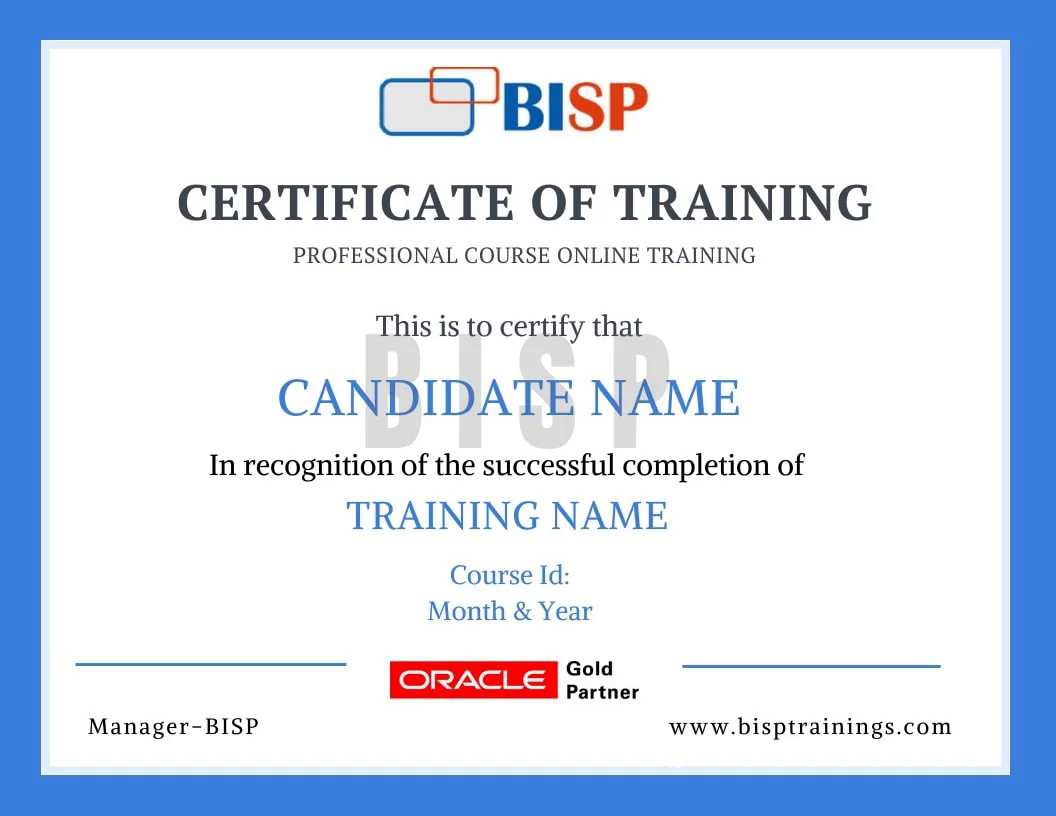
BISP Trainings Certificate of Completion
  • Verifiable certificate with a unique ID
  • Shareable on LinkedIn & your resume
  • Recognised by our hiring partners

Frequently asked questions

Everything you need before you enroll.

Can I attend a demo session before enrollment?

Yes. You may attend a demo class before enrollment for training quality evaluation, and interact one-to-one with the trainer for any specific requirement.

Can you schedule training as per my availability?

Yes. We discuss it with the trainer and schedule the training at a convenient time for you.

What if I miss a class?

You get the recorded session. You may also retake the whole training multiple times within a 6-month period with the same trainer.

Is there live project training?

Yes. The curriculum includes real-time scenarios and live project modules, with the trainer explaining every topic end-to-end.

How can I pay for the course?

Enroll securely via the payment gateway on this page using card, UPI or net-banking. EMI options are available.

More queries?

Call us at +91 769-409-5404 & +1 678-701-4914, or write to support@bisptrainings.com.

Case studies & learning PDFs

Free Microsoft resources to explore.

Relevant courses

Learners who took this also explored these.

Not sure if this course is right for you?

Book a free 1-on-1 counselling call and get a personalised learning roadmap.

Book free trial →