Learn in-demand Linux skills the linux sys admin certification course and start career as a expert Linux System Admin. Our expert certification course has been designed by real time working professionals they will teach you the concepts an…
4.8 · Rated by learners Certificate of completion
Duration
25 Hours
Mode
Live + Recorded
Level
Beginner → Pro
Language
English / Hindi
AI practice, included with this course
Rehearse the interview and test yourself before the real thing.
Available in your student dashboard as soon as you enrol —
no extra charge, nothing to install.
Course overview
About the Linux Sys Admin Certification Training program.
Learn in-demand Linux skills the linux sys admin certification course and start career as a expert Linux System Admin. Our expert certification course has been designed by real time working professionals they will teach you the concepts and skills needed to efficiently build and manage a production Linux infrastructure.
Why learn with BISP
Trusted by professionals across 30+ countries.
Industry trainers
Certified consultants with 12+ years of real project experience.
Hands-on practice
Real-time scenarios & live project modules, not just slides.
Placement support
Resume building, mock interviews & job referrals.
Certification
BISP certificate + full guidance for official exams.
Course curriculum
Designed by real-time industry professionals around current job roles.
08Module 8 – Disk Management and Run Levels19 topics
System run levels
Linux Boot Process
Message of the Day
Customize Message of the Day
Storage
Disk partition (df, fdisk, etc.)
Add Disk and Create Standard Partition
Logical Volume Management (LVM)
LVM Configuration during Installation
Add Disk and Create LVM Partition
Extend disk using LVM
Adding swap space
RAID
File System Check (fsck and xfs_repair)
System Backup (dd Command)
Network File System (NFS)
Difference Between CentOS/Redhat 5, 6 and 7
Quiz
Homework and Handouts
09Module 9 – All About Resume5 topics
Resume workshop
Cover Letter
Linux job description or duties
Exposure to other technologies
Homework and Handouts
10Module 10 – All About Interview13 topics
What is IT?
IT Components
Facts about IT
Linux around us
Linux Operating System Jobs
IT Management Jobs
Post resume and what to expect
Interview workshop
Redhat certifications
Join Linux community
200+ interview questions
Homework and handouts
Recap – Handouts
11Additional Resources8 topics
VMWare Workstation Player (Optional)
Create VMWare VM
Install Oracle Virtualbox on MAC
Install Oracle Guest Addition (Tools)
Troubleshooting Putty Connection
Changing Default File Permissions (umask)
Filesystem Color Definition
Additional Resources – Handout
Course details
Who it is for, what you need, and how it is delivered.
Who should learn Linux Sys Admin Certification Training?
Oracle Developers
C Programmers
C++ and Java Programmers
Test Engineers
SAS developers
Software engineer
Prerequisites
his certification training course does not presume or require any prior knowledge or prerequisites. However, basic knowledge of the Operating system to be an added advantageous. We are recommending that students should have the following prerequisite to learning the course
Basic knowledge of operating system
Knowledge of functionalities of the operating system
A basic understanding of various computer concepts
Delivery methodology
We are using an experiential delivering methodology that blends theoretical concepts with hands-on practical learning to ensure a holistic understanding of the subject or course
Class delivery
Live Interactive classes with expert
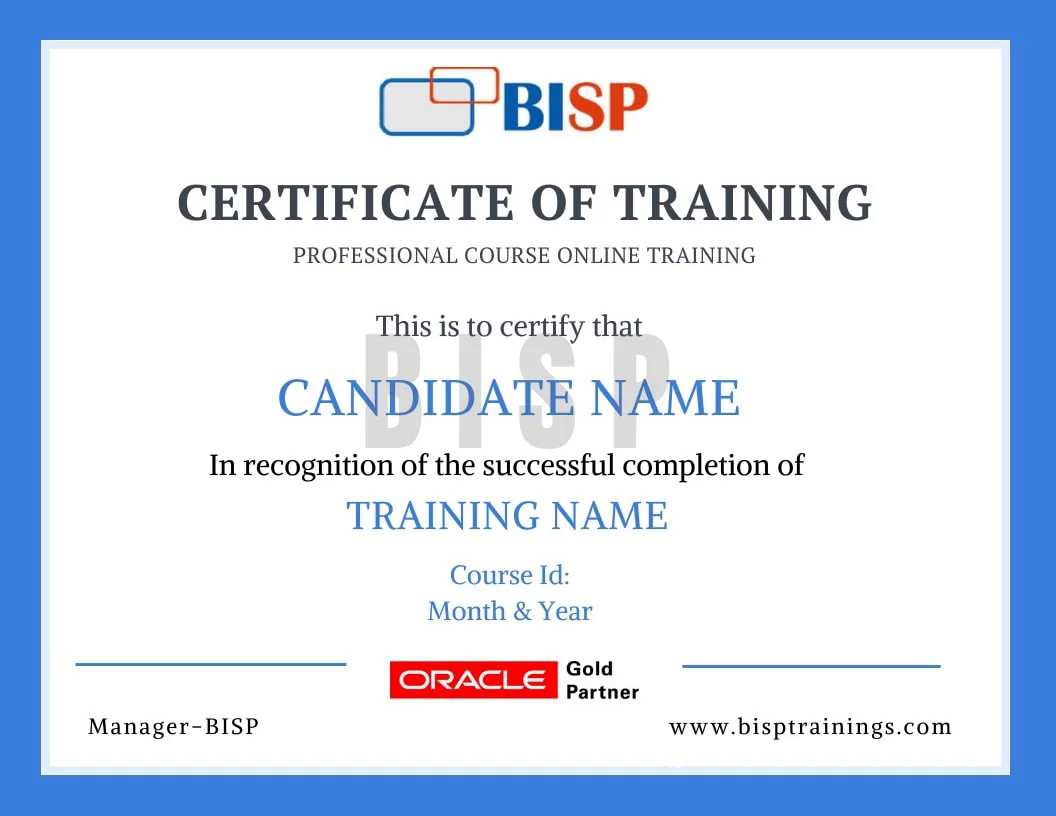
Certificate of completion
Earn an industry-recognised BISP Trainings certificate when you finish the course.
Verifiable certificate with a unique ID
Shareable on LinkedIn & your resume
Recognised by our hiring partners
Frequently asked questions
Everything you need before you enroll.
Can I attend a demo session before enrollment?
Yes. You may attend a demo class before enrollment for training quality evaluation, and interact one-to-one with the trainer for any specific requirement.
Can you schedule training as per my availability?
Yes. We discuss it with the trainer and schedule the training at a convenient time for you.
What if I miss a class?
You get the recorded session. You may also retake the whole training multiple times within a 6-month period with the same trainer.
Is there live project training?
Yes. The curriculum includes real-time scenarios and live project modules, with the trainer explaining every topic end-to-end.
How can I pay for the course?
Enroll securely via the payment gateway on this page using card, UPI or net-banking. EMI options are available.
More queries?
Call us at +91 769-409-5404 & +1 678-701-4914, or write to support@bisptrainings.com.


 Call Us: +91 769-409-5404