Live online batches across IST, EST & GST — learners in 189+ countries
Live online batches across IST, EST & GST — learners in 189+ countries
Microsoft Business Intelligence consultant Job Roles. This course designed very carefully to ensure the candidate gets all required skills and knowledge to work as MSBI Developer. Training focuses case studies based on Real-time Scenarios.…
Rehearse the interview and test yourself before the real thing.
Answer role-based questions out loud, then read the report on how you did. Five attempts come with the course.
Unlocked on enrolFree5 AI mock interviewsEach one scored, with a written report you can actually act on.Included in the course feeA fresh 40-question assessment is written each time you start — 200 questions across the module, with the reasoning behind every answer.
Unlocked on enrolFree5 practice assessments40 questions each, 200 across the module — every answer explained.Included in the course feeEvery attempt is kept in your dashboard, so you can see which topics improved and which still need work.
Unlocked on enrolFreeYour progress, trackedEvery attempt kept, so you can see exactly what improved.Yours from day oneAbout the Microsoft Business Intelligence Developer Track program.
Trusted by professionals across 30+ countries.
Certified consultants with 12+ years of real project experience.
Real-time scenarios & live project modules, not just slides.
Resume building, mock interviews & job referrals.
BISP certificate + full guidance for official exams.
Designed by real-time industry professionals around current job roles.
Download curriculum (PDF)
Introduction to SSIS
• Need for SSIS Components
• Architecture & Installation
• SSIS Catalogs and SSIS DB
SSIS Architecture
• Control Flow Tasks & Usage
• Data Flow Tasks Architecture
• Data Pipelines and Usage
• Conditional Precedence
Basic SSIS Entities
• IS Data Types & Conversions
• SSIS Local & Global Variables
• Dynamic Precedence Flow
• Dynamic SSIS Connections
Data Flow Transformations
• Column Transformations
• MERGE Vs UNION ALL
• Lookup and Fuzzy Grouping
• SORT Vs AGGREGATE
• OLE-DB Transformations
• PIVOT & FastLoad Options
SSIS Customizations
• SCRIPT Task (.NET) in SSIS
• Expressions and Iterations
SSIS Expressions
• SSIS Parameters Usage
• Control Flow Breakpoints
• Data Flow Data Viewers
Custom Activities
• Data Analytics & Debugging
• Custom Code Handling
• Event Notifications & Emails
• Type I and Type II SCDs
• CHECKSUM Transformation
• TDS Sizing and Tuning
Package Controls
• SSIS Isolation Levels
• SSIS Checkpoints and Usage
• CACHE Transformation
• CHECKSUM Transformation
Package Configurations
• Configurations and benefits
• SSIS Configuration Options
• Global Configurations
• Choosing correct provide
Error Handling
• System Events and Audits
• Package Event Handling
• Event Bubbling Escalations
SSIS Logging Actions
• Benefit of SSIS Logging
• Event Logs and SSIS
• Package Execution Audits
Processing XML Data
• XML nodes and Data
• Profiler & ADO Connections
Deployment Procedures
• Preparing for Deployment
• SSIS Deployment Phases
• Deployment Options & ISPAC
• Package Validation Techniques
File System Deployment
• File System Deployment
• Package Execution Options
• File System Security
SQL Server Deployment
• SQL Server Deployment
• SSIS Catalogs and Security
• SQL Server Security
• Catalog DB and SSIS Reports
Deployment Management
• Package Migration Utilities
• Command-Line Deployments
• Scheduling Deployments
Managing Security
• Package Security Options
• Encrypting SSIS packages
• Package Store and msdb
• Event Logging Activities
Upgrading Packages
• Migrating DTS packages
• MSDB and SSIS Catalog Files
• SSIS 2008 R2 & 2012
• ISPAC & Package Migrations
Introduction to SSAS
• Warehouse Concepts
• Tabular & Multidimensional
• SSAS 2008 R2 & 2012
Warehouse Architecture
• Cubes & Measures
• Facts and Dimensions
• Measures & Aggregates
• Attributes and Hierarchies
• Datawarehouse Principles
• Staging Data Usa
Basic SSAS Entities
• Data Source & Connections
• Manipulating DSVs
• Computed, Named Queries
• Building Entity Relationships
• Datawarehouse Schemas
Dimension Wizard
• Dimensions & Builds
• Attributes, Member Names
• Applying Time Dimensions
• Hierarchies and Limitations
Who it is for, what you need, and how it is delivered.
Microsoft Business Intelligence [MSBI] course is intended for IT Professionals who are responsible for implementing and maintaining SQL Server 2012 reporting and analysis solutions No prior experience is presumed.
This certification training course does not presume or require any prior knowledge or prerequisites. However, basic knowledge of salesforce concepts be an added advantageous. We are recommending that students should have following: To be an administrative professional Should possess clear knowledge and grasp of salesforce concepts knowledge on SQL, HTML and JavaScript should be an added advantage
We are using an experiential delivering methodology that blends theoretical concepts with hands-on practical learning to ensure a holistic understanding of the subject or course.
Live Interactive classes with expert
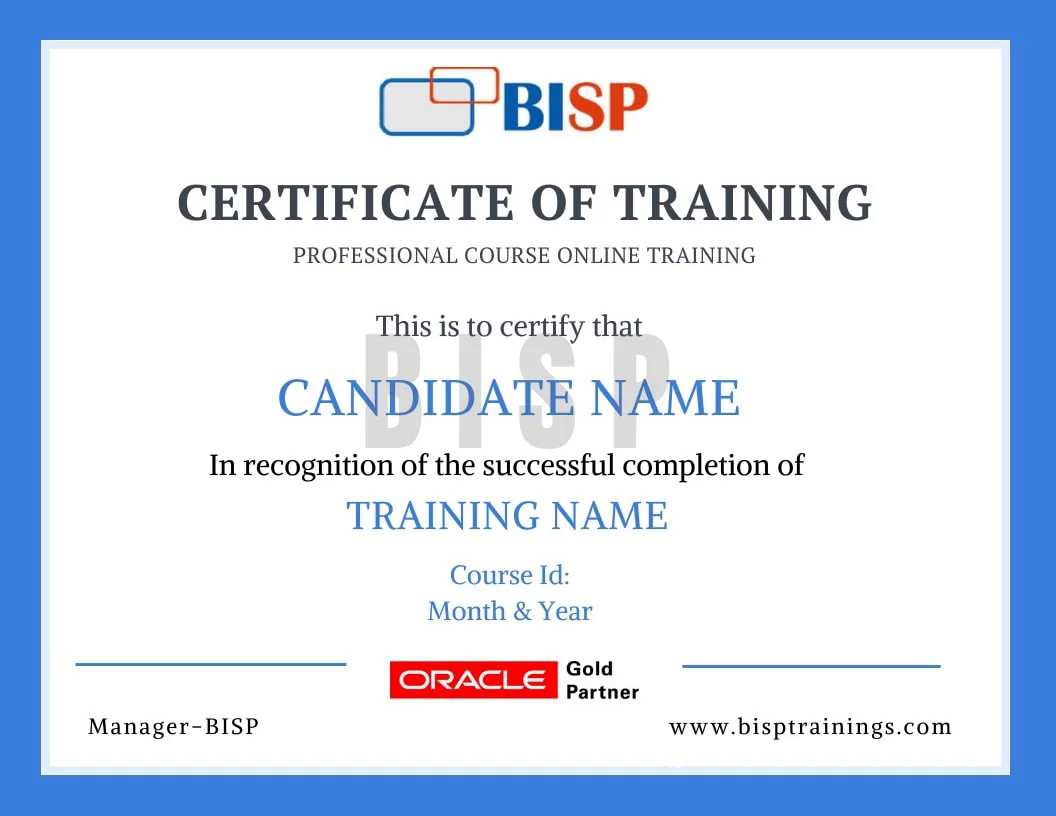
Earn an industry-recognised BISP Trainings certificate when you finish the course.
Everything you need before you enroll.
Yes. You may attend a demo class before enrollment for training quality evaluation, and interact one-to-one with the trainer for any specific requirement.
Yes. We discuss it with the trainer and schedule the training at a convenient time for you.
You get the recorded session. You may also retake the whole training multiple times within a 6-month period with the same trainer.
Yes. The curriculum includes real-time scenarios and live project modules, with the trainer explaining every topic end-to-end.
Enroll securely via the payment gateway on this page using card, UPI or net-banking. EMI options are available.
Call us at +91 769-409-5404, or write to support@bisptrainings.com.
Free Microsoft resources to explore.
Learners who took this also explored these.
Book a free 1-on-1 counselling call and get a personalised learning roadmap.
 +91 769-409-5404